Inside the Machine: How Computers Turn Ideas Into Action

What a Computer Really Is
A computer is an electronic system designed to accept input, process it according to instructions, store data, and produce output. While the word often brings to mind laptops or desktops, computers also power phones, cars, medical devices, point-of-sale terminals, routers, and industrial robots. What unites these devices is not their shape, but the common pattern of computation: information comes in, is transformed in predictable ways, and leads to a result.
At the heart of a computer is a simple promise: repeatable logic at high speed. Whether you’re editing photos, modeling climate data, or streaming music, the machine is executing countless tiny steps—operations—organized by software into tasks humans care about.
The Core Building Blocks
Hardware: The Physical Foundation
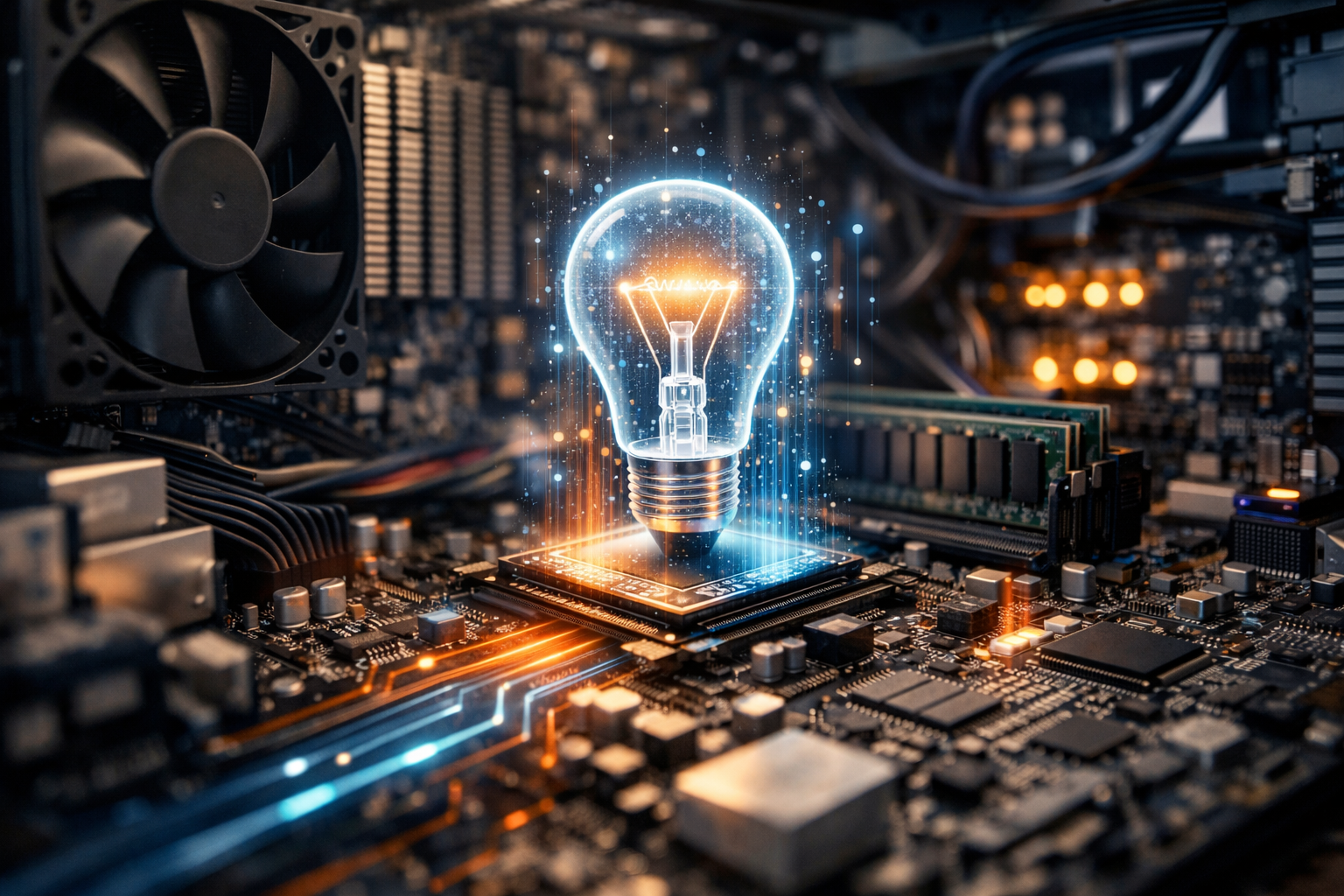
Hardware refers to the tangible components that make computation possible. Although computers vary widely, most rely on a similar set of parts that work together as a system:
- Processor (CPU): Executes instructions, performs arithmetic and logic, and coordinates many operations across the system.
- Memory (RAM): Short-term working space where active programs and data are kept for fast access.
- Storage (SSD/HDD): Long-term data retention for the operating system, applications, and personal files.
- Motherboard and buses: The communication backbone that connects components and moves data between them.
- Graphics processing (GPU): Specialized for parallel workloads like rendering, video processing, and many AI computations.
- Input/Output devices: Keyboards, touchscreens, sensors, displays, speakers, and network adapters that connect the machine to people and other systems.
Software: Instructions With Intent
Software is the set of instructions that tells hardware what to do. The most important layer is the operating system, which manages memory, schedules tasks, controls hardware devices, and provides services for applications. Above that sit programs ranging from web browsers to engineering tools. Below it sit device drivers and firmware that translate between high-level requests and specific hardware actions.
Software matters because it defines the “personality” of the computer. The same physical machine can become a creative studio, a database server, a gaming rig, or a scientific workstation depending on what you run on it.
Data: The Raw Material of Computing
Computers process data—numbers, text, images, sound, and more—represented internally in binary form (0s and 1s). Even complex media is ultimately encoded as patterns of bits. The elegance of computing is that one representation system can store a spreadsheet, a symphony, and a satellite image using the same underlying principles.
How Computers Process Information
Most computers follow a cycle often summarized as input → processing → storage → output. Input might be a mouse click, a sensor reading, or a network packet. Processing happens as the CPU and other chips interpret instructions and manipulate data. Storage keeps results available, either temporarily in RAM or persistently on an SSD. Output can be a rendered page on a screen, a printed document, a motor control signal, or a response sent across the internet.
Under the hood, the CPU runs instructions in small steps: fetching an instruction from memory, decoding it, executing it, and writing results back. Modern processors optimize this flow through techniques like caching, pipelining, and multi-core parallelism, enabling billions of operations per second.
Types of Computers You Encounter Every Day
Personal Computers
Desktops and laptops remain general-purpose workhorses. They balance performance, flexibility, and usability, and are often chosen for tasks that benefit from larger screens, comfortable input devices, or upgraded components.
Mobile and Embedded Computers
Smartphones and tablets are computers optimized for portability and energy efficiency. Embedded computers live inside other devices—thermostats, vehicles, appliances—where they perform dedicated tasks reliably, often with limited interfaces.
Servers and Cloud Infrastructure
Servers are computers designed to provide services—websites, file storage, databases, authentication—over a network. Cloud computing extends this idea by letting organizations rent computing power and storage on demand, scaling up during peak usage and down when needs shrink.
Supercomputers and Specialized Systems
At the high end, supercomputers and specialized clusters tackle enormous simulations and analytics, from weather prediction to molecular modeling. Increasingly, specialized accelerators (such as GPUs and AI chips) handle workloads that benefit from massive parallel processing.
Key Concepts That Shape Performance
- Compute: How quickly the system can execute instructions (CPU speed, core count, and architectural efficiency).
- Memory capacity and speed: Determines how much can be worked on at once and how fast data can be accessed.
- Storage performance: SSDs greatly reduce load times compared with older hard drives, improving responsiveness.
- Networking: Bandwidth and latency affect cloud apps, video calls, online games, and distributed work.
- Thermals and power: Heat and battery limits can restrict sustained performance, especially in thin laptops and phones.
Security and Responsible Computing
Because computers store valuable information and connect to networks, security is a central concern. Common risks include malware, phishing, weak passwords, and unpatched software vulnerabilities. Practical defenses include keeping systems updated, using multi-factor authentication, backing up data, and applying least-privilege principles so users and apps only have the access they truly need.
Responsible computing also includes privacy awareness and sustainability. Data collection practices, encryption, and permission settings influence how much personal information is exposed. Meanwhile, device lifecycles—from manufacturing to disposal—carry environmental costs, making repairability, efficient power use, and proper recycling increasingly important.
Where Computing Is Headed
Modern computing trends reflect a push toward greater intelligence, connectivity, and efficiency. AI-assisted features are appearing in everyday tools, from photo editing to search and writing support. Edge computing is moving some processing closer to where data is generated—like cameras, vehicles, and factories—to reduce latency and reliance on constant cloud access. At the same time, hardware innovation continues: faster storage, more energy-efficient processors, and specialized accelerators designed for particular workloads.
Yet the essence remains unchanged: computers are engines of transformation. They translate human goals into sequences of operations, turning ideas into documents, designs, discoveries, and services. Understanding their components and principles helps you make better choices—whether you’re buying a laptop, securing a home network, or building the next piece of software people will rely on.

