Inside the Machine: How Computers Think, Store, and Shape the Modern World

What Is a Computer?
A computer is an electronic system designed to accept input, process data, store information, and produce output. While the word often brings to mind laptops or desktops, computers include smartphones, servers in data centers, game consoles, embedded controllers in cars, and tiny microcontrollers inside household appliances. What unites them is the same core idea: turning instructions (software) and data into results reliably and quickly.
Modern computers are general-purpose machines. That means they can perform many different tasks—writing documents, editing video, analyzing scientific data, running business transactions—simply by changing the programs they run. This flexibility is the reason computers became foundational to communication, commerce, research, and entertainment.
The Core Building Blocks
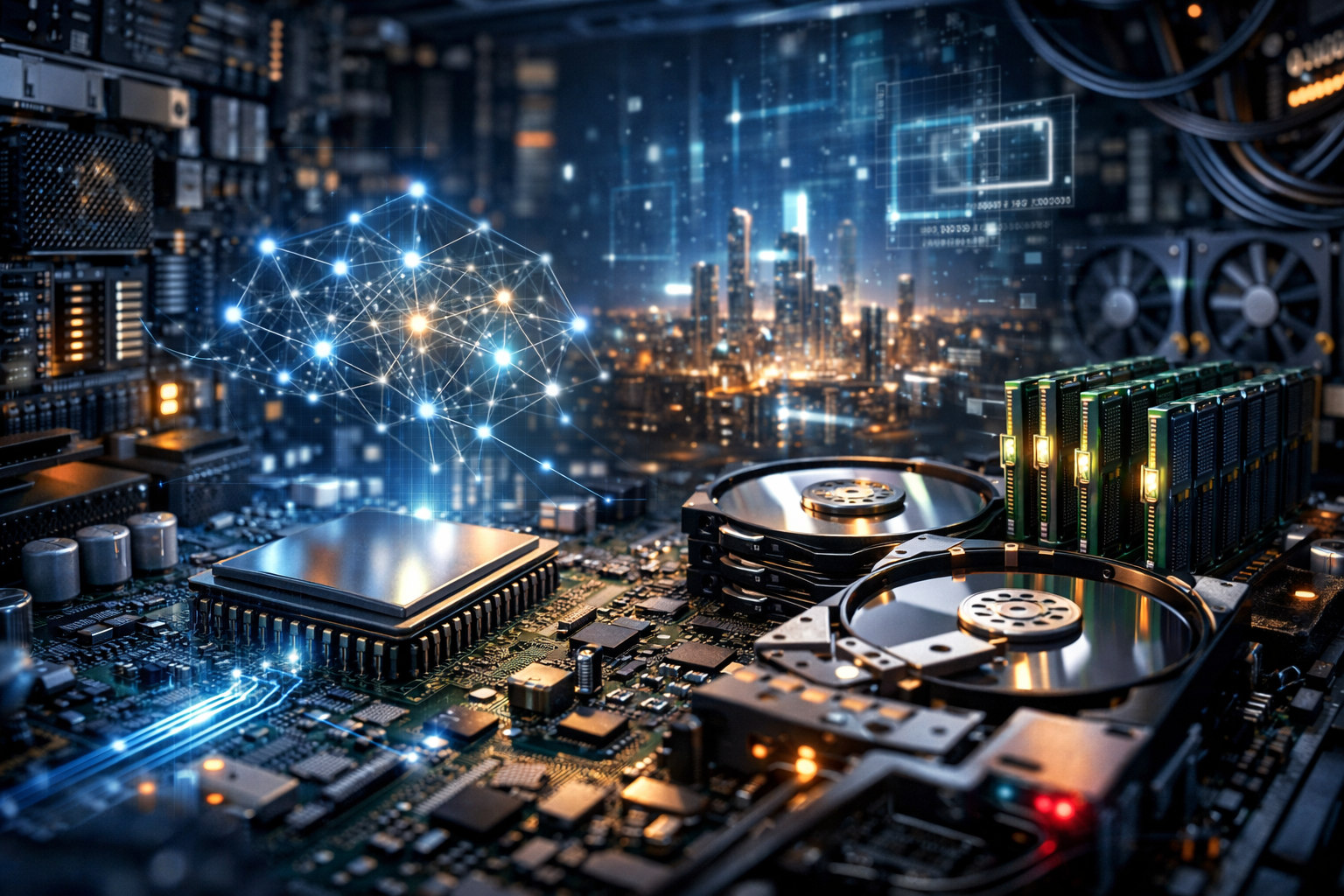
Although computers come in many shapes and sizes, most share a common architecture: a processor that executes instructions, memory that holds active data, storage that keeps information long-term, and input/output systems that connect the computer to the world.
CPU: The Processor
The central processing unit (CPU) is often described as the “brain” of the computer. It performs calculations and coordinates other components. CPUs execute programs as a series of simple operations, such as moving data between locations, comparing values, and performing arithmetic.
- Cores and threads: Multiple cores allow a CPU to handle several tasks at once. Threads are sequences of instructions that the CPU schedules across cores.
- Clock speed: Measured in gigahertz (GHz), it indicates how many cycles per second the CPU can perform, though real performance also depends on architecture and workload.
- Cache: Small, extremely fast memory on the CPU that stores frequently used data to reduce delays.
RAM: Working Memory
Random access memory (RAM) stores data that the computer is actively using. It is fast but temporary: when power is lost, RAM is cleared. More RAM generally allows smoother multitasking and better performance in memory-heavy applications like photo editing, large spreadsheets, and software development tools.
Storage: Long-Term Data
Storage keeps files and programs even when the computer is turned off. Two common options are:
- SSD (solid-state drive): Very fast, no moving parts, excellent for quick boot times and responsive apps.
- HDD (hard disk drive): Typically offers more capacity per dollar, but slower due to mechanical components.
Many systems use a combination: an SSD for the operating system and key applications, and an HDD for large archives.
GPU: Graphics and Parallel Power
The graphics processing unit (GPU) renders images and video, powering everything from user interfaces to 3D games and professional visualization. GPUs also excel at running many similar calculations in parallel, which makes them valuable for tasks like machine learning, scientific simulation, and video encoding.
Motherboard, Power, and Connectivity
The motherboard links components and provides pathways (buses) for data to move. The power supply converts wall electricity into stable voltages the computer can use. Connectivity comes through ports and radios—USB, HDMI, Ethernet, Wi‑Fi, and Bluetooth—allowing devices, displays, and networks to communicate.
How Computers Process Information
At the lowest level, computers operate using binary states (0 and 1). These states are represented by electrical signals in circuits. The CPU follows a basic cycle often summarized as:
- Fetch: Retrieve the next instruction from memory.
- Decode: Interpret what the instruction means.
- Execute: Perform the operation (such as adding numbers or moving data).
- Store: Write results back to a register, memory, or storage.
This process repeats billions of times per second. The remarkable part is that complex activities—streaming a movie, navigating a map, or modeling weather—are built from these tiny steps, layered through programming languages, libraries, and operating system services.
Software: The Invisible Half
Hardware is only useful when paired with software. Software provides instructions that tell the hardware what to do, from managing files to drawing pixels to encrypting data.
Operating Systems
An operating system (OS) is the main software layer that manages hardware resources and provides a platform for applications. Common operating systems include Windows, macOS, Linux distributions, Android, and iOS. The OS handles:
- Process management: Running multiple programs and sharing CPU time.
- Memory management: Allocating RAM and preventing programs from interfering with each other.
- File systems: Organizing storage into folders, permissions, and metadata.
- Device drivers: Translating OS commands into hardware-specific actions.
Applications and the Web
Applications are tools built for specific tasks—browsers, editors, games, accounting systems. Increasingly, many applications run partly on remote servers via the internet. In this model, your local device handles interaction and display, while cloud computers perform storage, synchronization, and heavy processing.
Types of Computers You Encounter
Computing is a spectrum, from pocket-sized devices to warehouse-scale machines.
- Personal computers: Desktops and laptops designed for general productivity, creativity, and entertainment.
- Mobile devices: Smartphones and tablets optimized for battery life and touch interaction.
- Servers: Systems built to provide services—websites, databases, authentication—reliably to many users.
- Embedded systems: Specialized computers inside appliances, vehicles, medical devices, and industrial equipment.
- Supercomputers: Large clusters optimized for massive simulations and research workloads.
Why Computers Matter
Computers amplify human capability by handling repetitive or complex tasks at scale. They enable instant global communication, automate logistics, detect patterns in vast datasets, and create new forms of art and entertainment. In science and engineering, computers shorten the path from idea to experiment through simulation and modeling. In business, they improve efficiency and accuracy, from payroll to inventory to customer support.
At the same time, their impact brings responsibilities: protecting privacy, securing systems against attacks, reducing electronic waste, and designing technology that serves people fairly and transparently.
Choosing and Maintaining a Computer
When selecting a computer, it helps to match specifications to real needs rather than chasing the highest numbers. Basic office work benefits most from a responsive SSD and sufficient RAM, while gaming and 3D work depend heavily on the GPU. For reliability and longevity, maintenance matters:
- Keep software updated to patch security vulnerabilities and improve stability.
- Back up important data using an external drive or trusted cloud service.
- Use strong authentication and reputable security tools to reduce risk.
- Manage heat by keeping vents clear and cleaning dust periodically.
The Road Ahead
Computers continue to evolve toward greater efficiency, specialized accelerators, and tighter integration with cloud services. Advances in chip design, battery technology, and networking keep expanding what small devices can do, while data centers power global platforms and AI systems. Understanding the fundamentals—how hardware and software cooperate to process information—makes it easier to choose the right devices, troubleshoot problems, and engage thoughtfully with the technology shaping modern life.

